Documents
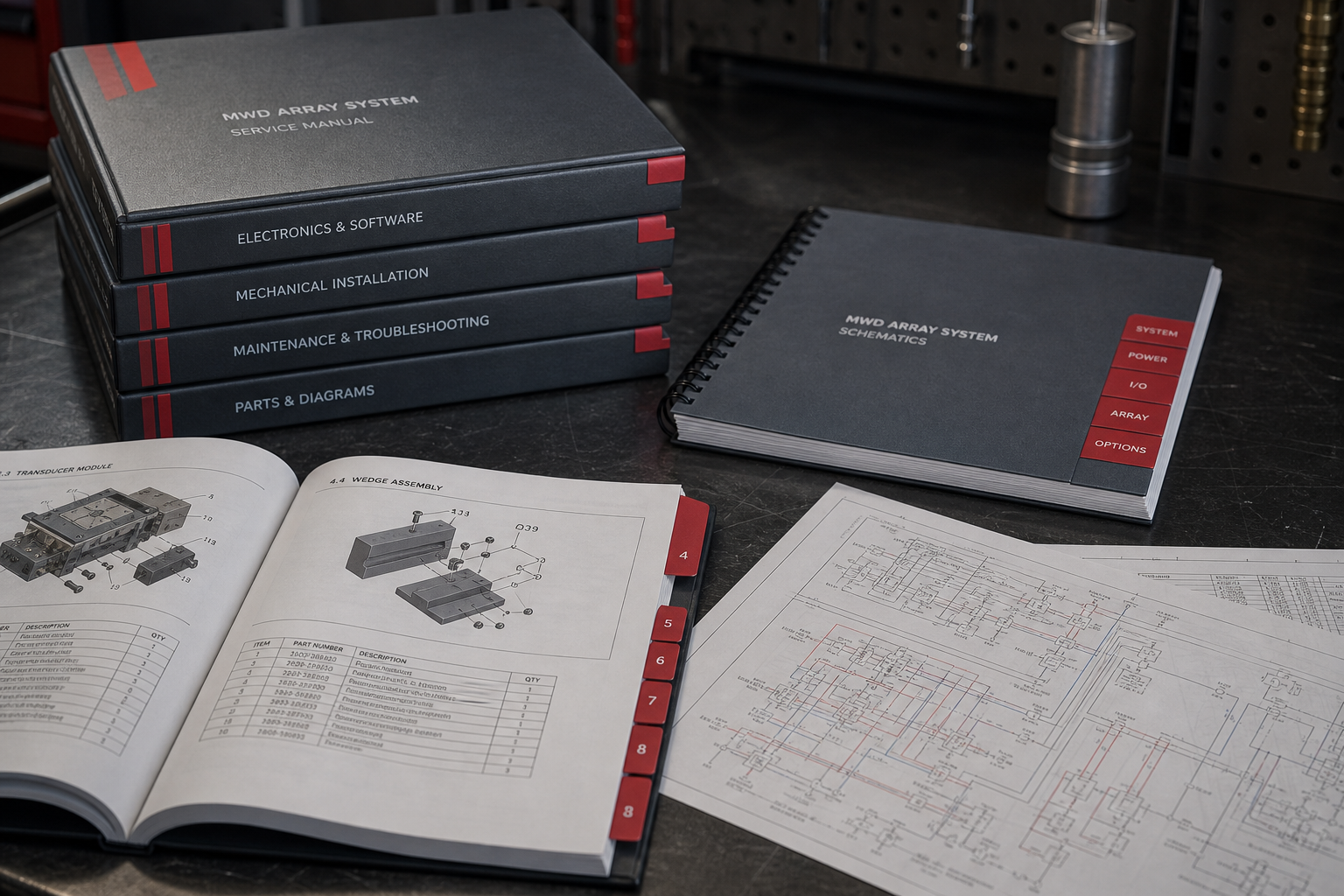
Request manuals, diagrams, schematics, and parts lists for your Magwerks equipment. After our team verifies your request, approved files are available to download from your documents workspace.
How to request documents
Follow these three steps. Have your machine model and serial number ready.
-
Sign in to your Magwerks account
Documents are delivered to your account so only you can download them.
-
Choose document types and enter machine details
Select one or more document types, then enter the machine model, serial number, and any notes.
-
Download when approved
You will receive an email when files are ready. They will also appear under My documents in your workspace.
Tip: Include model and serial number in your request so we can match the correct files quickly.
Ready to get started?
Sign in to submit a request and download approved documents.